
Your Welcome page on the Privyr web allows you to easily get started with your Privyr account. Complete them in order to connect your lead sources and start instantly receiving leads in your Privyr account, engage with your leads, organize follow-ups, send automated WhatsApp messages to your leads, and manage your team.
Complete your Welcome page tasks
Complete the suggested items from top to bottom. You can return at any time—the completion badge updates as you finish tasks. Under Get Started with Privyr, each row is a set of tasks or items. Select a row to expand it, then move through its task cards horizontally. Your progress badge shows what is complete and what remains.
New Lead Automations
Instantly receive, contact, and follow up with new leads from every source.
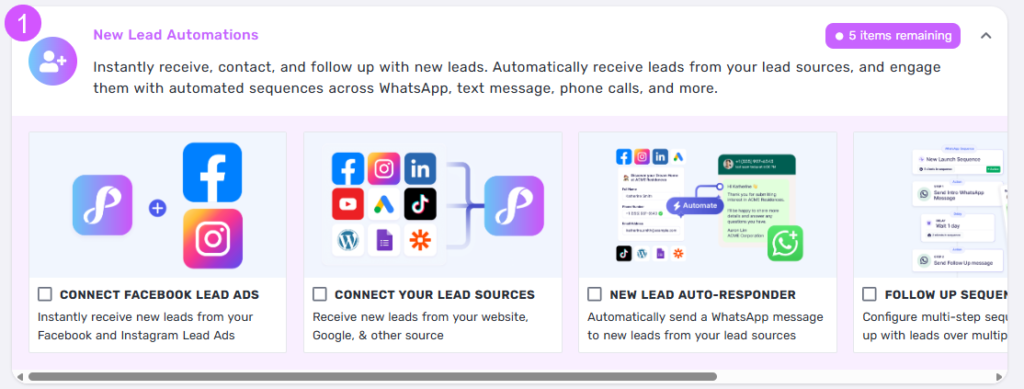
- Start with the Connect Facebook Lead Ads card to receive new leads from your Facebook and Instagram Lead Ads.
- Use Connect Your Lead Sources to pull in leads from your website, Google, TikTok, and other supported sources.
- Turn on the New Lead Auto-Responder to automatically send a WhatsApp message to every new inquiry.
- Finish with Follow Up Sequences to set up multi-step sequences that nurture leads over time.
Quick tip: Start with the lead source where you’re mostly generating leads from, then connect the other lead sources one at a time.
Bulk Lead Engagement
Re-engage existing leads at scale with calls, messages, and campaigns.
- Send a WhatsApp Campaign to instantly message thousands of leads via WhatsApp in one click.
- Configure Follow Up Sequences to follow up with leads over multiple weeks.
- Share Media-Rich Content to create, share, and track personalized sales content in seconds.
- Set up Bulk Call or Message to contact hundreds of leads with tap actions from your phone.
- Track Views & Interest is a Privyr feature that lets you monitor how leads engage with your content. It provides real-time alerts when a lead opens your content and shows details like view counts, time spent viewing, and repeat visits, helping you identify highly interested prospects and follow up at the right time.
Quick tip: Keep each message short and include one clear next step for the lead.
Easy Lead Management
Track every lead and sales activity right from your phone.
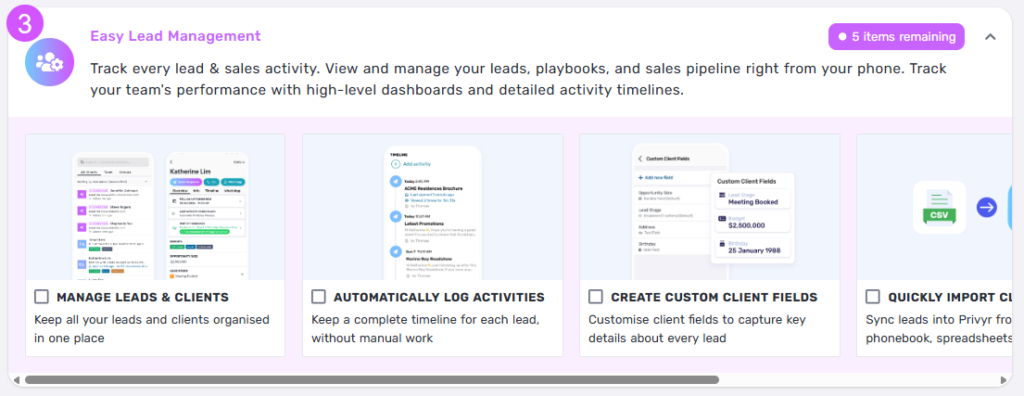
- Open Manage Leads & Clients to keep all your leads and clients organised in one place.
- Turn on Automatically Log Activities so every lead keeps a complete timeline without manual work.
- Use Create Custom Client Fields to capture key details about every lead.
- Finish with Quickly Import Clients to sync leads into Privyr from your phonebook or spreadsheets.
- Export Clients And Data lets you download your client information and activity history in CSV format, making it easy to analyze, back up, share, or transfer your data whenever needed.
Quick tip: A consistent status and next activity makes your pipeline much easier to review.
Official WhatsApp Automations
Use your existing WhatsApp Business number to automate conversations at scale.
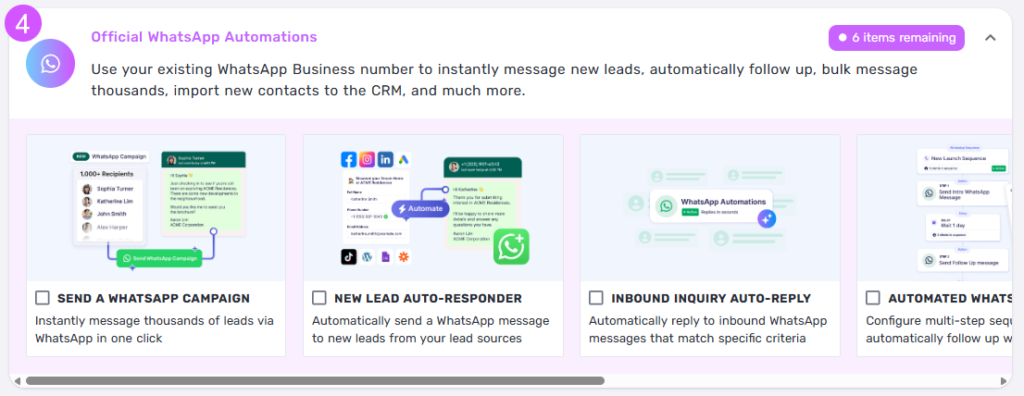
- Set up Send a WhatsApp Campaign to message thousands of leads via WhatsApp in one click.
- Enable the New Lead Auto-Responder to automatically message new leads from your lead sources.
- Configure Inbound Inquiry Auto-Reply to respond automatically to inbound messages that match specific criteria.
- Finish with Automated WhatsApp Sequences to follow up with leads automatically over multiple steps.
- WhatsApp Contact Import allows you to automatically import new contacts from your WhatsApp Business conversations into Privyr. Whenever a new inbound or outbound chat starts, Privyr can create a lead profile and add it to your client list, helping you capture and manage every opportunity without manual data entry.
- WhatsApp Chat Monitoring gives you visibility into your team’s WhatsApp Business conversations directly within Privyr. Monitor chats in real time, review conversation history, provide coaching, improve team coordination, and maintain quality and compliance across client communications.
Quick tip: The items remaining badge shows exactly how many setup tasks still need attention.
Use Privyr as a Team
Gain full control and visibility over your sales team.
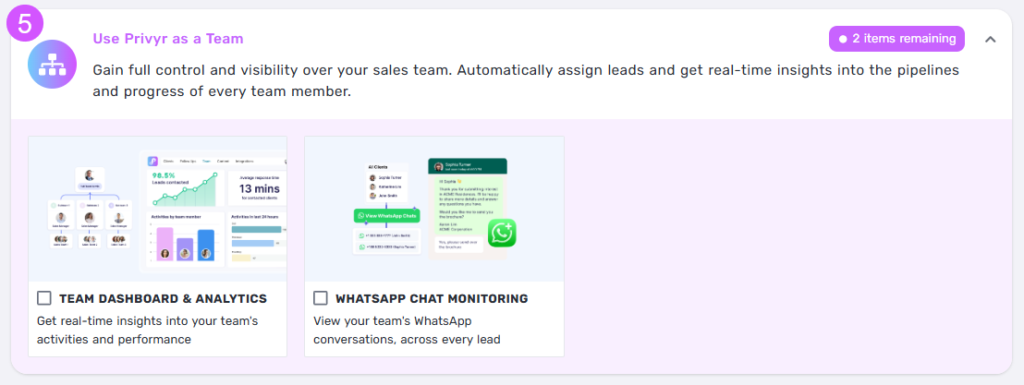
- Open Team Dashboard & Analytics for real-time insights into your team’s activities and performance.
- Enable WhatsApp Chat Monitoring to view your team’s WhatsApp conversations across every lead.
Quick tip: Complete this task after your lead sources and pipeline stages are ready.